
Design That Captures Attention
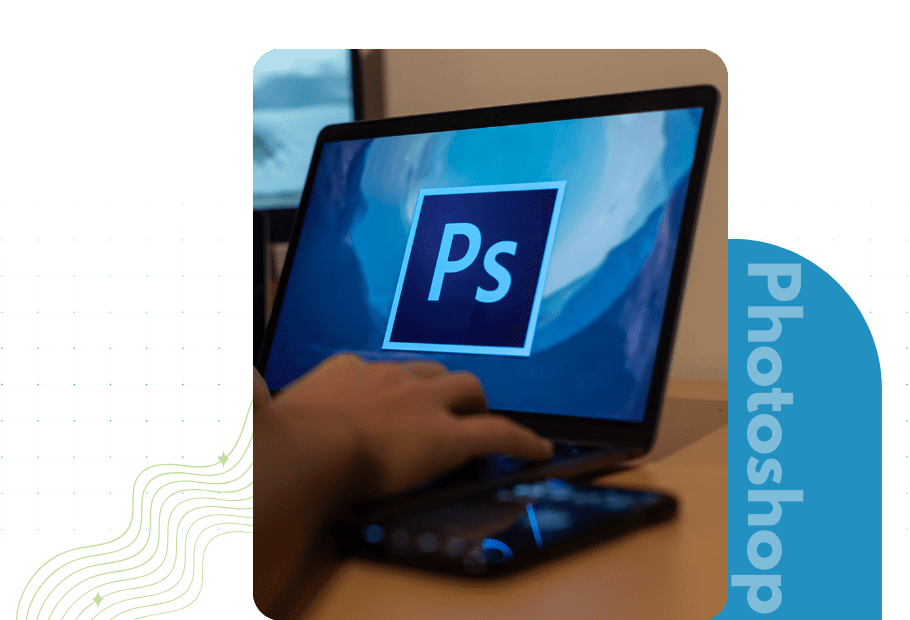
In today’s digital-first world, first impressions matter more than ever. Whether it’s a website, a mobile app, or a marketing campaign, your visuals need to be crisp, engaging, and aligned with your brand identity. Adobe Photoshop, the industry-leading raster graphics tool, allows designers to create pixel-perfect visuals that elevate user experiences and drive engagement.










Our Photoshop Design Services
At Backup Infotech, we specialize in Photoshop design services that bring ideas to life — from user interface elements and web layouts to marketing banners and digital assets. Our focus is on creating visually stunning, functional, and brand-consistent graphics that connect with your audience.
UI Elements & Components
Buttons, icons, menus, and navigation systems designed for usability.
Web & App Layouts
Responsive, pixel-perfect designs for websites and mobile applications.
Raster Graphics & Image Editing
High-quality editing, retouching, and manipulation of raster images.
Marketing Collateral
Banners, posters, social media creatives, and digital ads.
Branding Assets
Logo refinements, typography, and brand-aligned design systems.
Prototyping & Wireframing
Photoshop-based wireframes and clickable design prototypes.
High-Resolution Visuals
Designs optimized for print, display, and digital platforms.
Custom Illustrations & Composites
Creative visuals tailored to brand storytelling.
Industry Applications

Technology
App UI design, dashboard visuals, and software interfaces.

Healthcare
Patient-friendly app designs, portals, and branded graphics.

Finance
Secure, trust-focused UI layouts and branding visuals.
Retail & E-Commerce
Product banners, catalog designs, and website layouts.
Education
E-learning platforms, interactive visuals, and marketing creatives.
Entertainment & Media
Eye-catching graphics, posters, and social media assets.
Our Photoshop Design Process
We follow a collaborative, structured process to deliver designs that are both creative and practical:
Discovery & Strategy
- Understand brand goals, target audience, and design needs.
- Define visual direction and style guidelines.
Conceptualization & Wireframing
- Create initial layouts, wireframes, or mood boards.
- Validate concepts with client feedback before final design.
Design & Development
- Develop UI elements, layouts, and visuals in Photoshop.
- Ensure scalability and consistency across platforms.
Review & Iteration
- Share drafts, gather feedback, and refine designs.
- Test usability of UI elements in prototypes.
Delivery & Handoff
- Provide final design files in required formats.
- Ensure assets are ready for developers, marketers, or printers.
Support & Optimization
- Post-delivery revisions, updates, and enhancements.
- Continuous support for new design requirements.
Results You Can Expect
- Cohesive brand identity across all digital and print assets.
- Pixel-perfect designs optimized for web, mobile, and marketing.
- Improved customer engagement through high-quality visuals.
- Faster design-to-development handoff with structured assets.
- Increased conversions driven by engaging, user-friendly UI elements.
Why Choose Backup Infotech for Photoshop Design
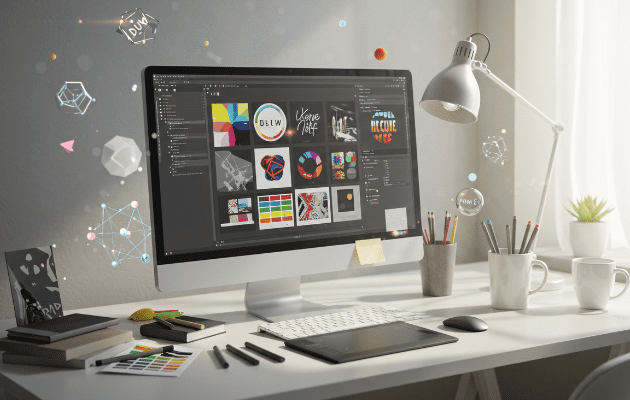
- Expert designers with mastery in Adobe Photoshop for raster graphics and UI/UX assets.
- Proven experience delivering brand-aligned visuals across industries.
- Strong UI/UX foundation to ensure that visuals are both beautiful and functional.
- Agile workflows that allow for rapid iterations and feedback cycles.
- Long-term partnerships with ongoing design support for evolving needs.
Ready to Elevate Your Visual Design?
Success Stories
“Thanks to Backup Infotech’s telemedicine platform, Clinic X reduced patient no-shows by 40% and saw patient satisfaction ratings jump by 25%.”
“The analytics dashboard they built helped us identify inefficiencies in our emergency department workflow, we reduced average waiting time by 20 minutes across the board.”
Work With an Award-Winning IT Team
Let’s build secure, scalable, and future-ready IT solutions together.





Meet Backup Infotech
A leading IT company fueled by technology with 3 million hours of combined expert experience.
FAQs about photoshop design services
Learn more about our photoshop design services:
What are raster graphics?
Raster graphics are made of tiny pixels that form an image. They are perfect for detailed photos, textures, and UI components where colors and effects matter. Photoshop works with raster images to ensure designs look clear on screens. Without raster graphics, some design details may not appear as intended.
How to make a website look professional using Photoshop?
In Photoshop, you can create complete website mockups with headers, menus, buttons, and images. You can control colors, fonts, and layout pixel by pixel. Developers then convert the design into a functional website. This process ensures the final website matches the design perfectly.
Which file format is best for UI elements in Photoshop?
PNG is best for icons and buttons with transparent backgrounds. JPEG works for photos or banners, and PSD keeps all layers editable for changes. Choosing the right format ensures your UI elements look perfect and can be integrated smoothly by developers.
How to make buttons and icons in Photoshop?
You can use Photoshop’s shapes, layers, and effects to design buttons and icons from scratch. These elements can be customized for color, size, and style. Once designed, they can be exported for websites or apps. A development team can help turn them into clickable, functional UI elements.
Can Photoshop help with mobile app UI design?
Absolutely. Photoshop lets designers create screens, buttons, and navigation elements for mobile apps. Each element can be exported at the exact resolution needed for devices. Developers then use these assets to make the app functional while keeping the design consistent.