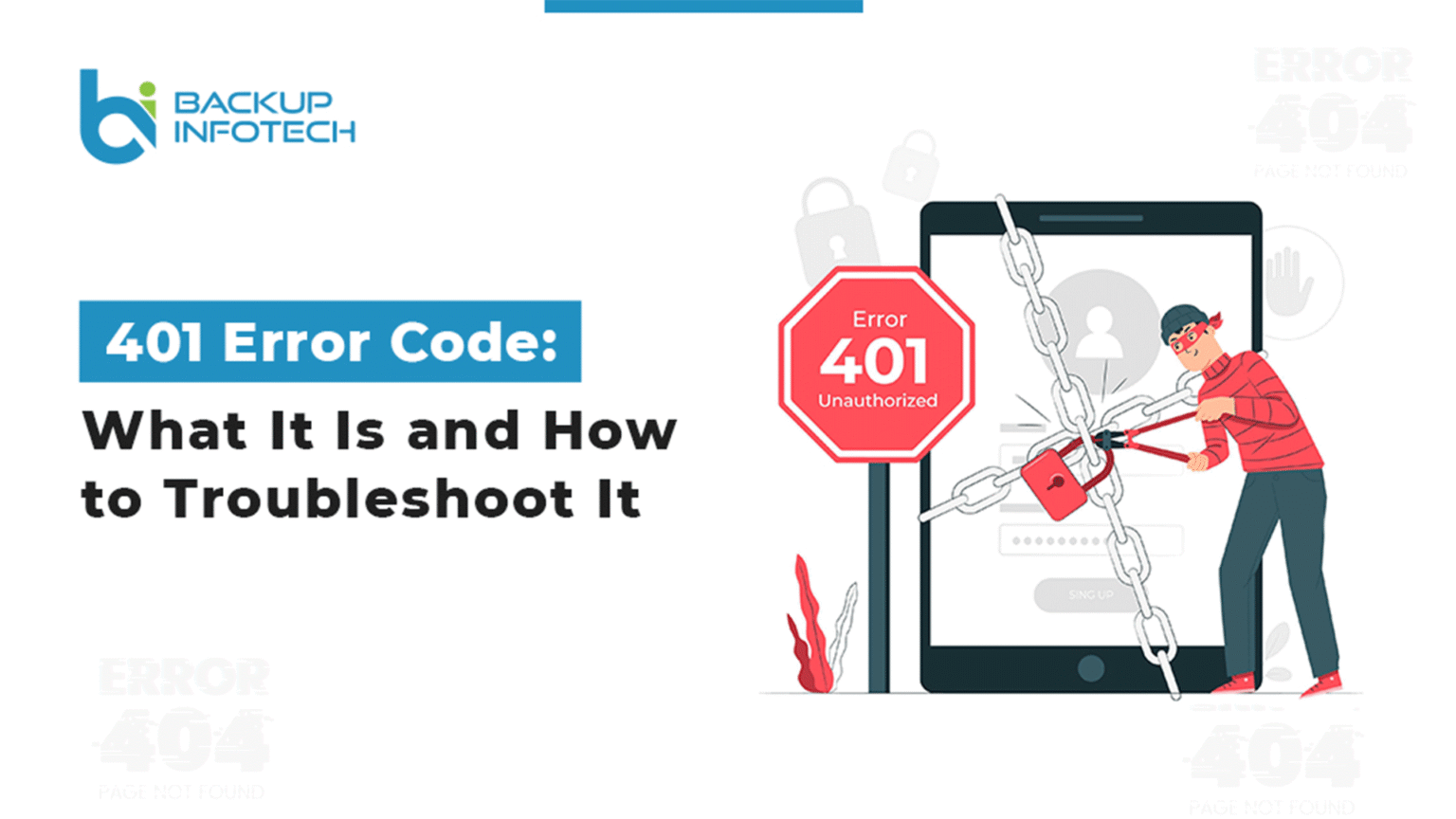
401 Error Code: What It Is and How to Troubleshoot It
Most of you may have observed in the Google Search Console (GSC) reports that some of the webpages on your website were not crawled and indexed by Googlebot due to the 401 error code. It can be caused by a glitch in your browser or can be a server-side issue. However, you can know the true cause of this status code by checking search engine logs. This is a typical problem, so our experts at Backup Infotech have decided to shed some light on it and share some ways to fix it.
What Is a 401 Error Code?
A 401 HTTP error code means that your client or browser does not possess the required authorization to access a particular website or webpage. A web server will send a 401 status (unauthorized) code if the login credentials are missing. In other words, the webpage is encrypted with a password, and the text of that page is accessible only after entering this sign-in information. This error has different names on different platforms. Here are some examples of what you may view on your display:
- 401 authorization required.
- 401 unauthorized error.
- Error 401 unauthorized.
- HTTP error 401 – unauthorized.
- HTTP 401.
- Access denied.
For instance, you searched “Why Do Flooring Companies Need SEO to Grow in 2026?” A normal search engine will show you blogs, videos, and forums. On the other hand, the generative engine will provide a step-by-step guide written in conversational language based on your prompt. For everyone, this is a major change, especially if you’ve invested years in improving SEO.
Why Should You Monitor 401 Pages in Your Logs?
As discussed above, pages with a 401 error code are not open for search engines and will never be open if you don’t do anything because Googlebot has no data to request permission. Therefore, the page won’t be indexed in the search engine, and users will not find this information when they search. According to the
best web development company in India, the reason to prioritize the analysis of 401 pages in server logs is that it eats up the crawl budget.
For example, Google only crawls pages that are informative and accessible, and if Google runs into multiple pages with a 401 error code, there is a high chance that even the indexable and crawlable pages will not be scanned and crawled. Thus, if out of the 401 pages, there are some pages that have valuable information and you want them to be ranked in the SERP, you need to resolve the 401 error code ASAP. Also, it is mandatory to lower the number of entry points for 401 pages in the log if any of them have authorization for visitors.
Reasons Your Site/Page Might Return a 401 Status
Before we look into potential solutions, let’s talk about the reasons that may be responsible for throwing the 401 error code and keeping the software development firms busy.
Typos in URLs
We’ve all mistyped a URL at some point. One misspelled or missing character in the address bar can direct you to the wrong site or nowhere at all. When you try to access a page that’s been deleted or moved. Even if the URL looks right, it might be outdated. In both situations, the server can block your request and respond with a 401 error, thinking you’re not authorized to view the resource.
Expired Cache And Cookies
Cookies and cache help speed up your browsing and remember your login status. But if your cookies expire or the cache turns outdated or corrupted, things can go south. As cookies often store authentication details, any issue with them can lead to a 401 unauthorized error that makes it look like you’re not logged in even if you were a minute ago.
Firewall And Plugin Issues
Installed a new plugin or firewall? Sometimes, these tools get a bit overprotective. Security plugins might block access to parts of your site—even for admins—if they detect unusual login attempts or activity. Misconfigured plugins can mistake legitimate users for threats, resulting in unexpected 401 errors.
Restricted URLs
Some URLs are intentionally limited to authorized users only. If you try to access one of these from a browser that isn’t recognized or authenticated, the server might deny access and throw a 401 error.
.htaccess Rules
If your site employs a .htaccess file with password protection and you don’t have the right credentials, you will be locked out. The server will immediately return a 401 error, signaling unauthorized access.
Troubleshooting 401 Errors
A 401 error generally means there’s trouble on your end, not the server’s. Fortunately, it is easy to fix. Here are a few things you can try on your own:
- Review the URL: Double-check that the URL you’re using is valid. Typos, extra characters, or broken links can trigger a 401 error. Start from the homepage if you’re confused.
- Confirm Login Details: Proofread your username and password. If found incorrect, reset your password.
- Clear Browser Cache & Cookies: Invalid or expired cookies might interfere with your login. Clear the site’s cookies and cache, then reload the page. You might have to log in once more.
- Flush DNS Cache: DNS changes can result in mismatches. Use your system’s command line to flush the DNS cache and update records.
- Deactivate Themes/Plugins: New plugins or themes might be the barrier. Disable them one by one to diagnose the problem.
- Remove Page Passwords: If you’re using .htaccess or .htpasswd for page protection, disable them.
- Check WWW-Authenticate Header: Use browser dev tools to inspect this header. It’ll show which authentication method is needed.
Final thoughts
A 401 error code can be problematic, but with timely website maintenance, you can dodge and fix it quickly. Moreover, troubleshooting it can save you from bigger issues or from security breaches. So always keep your website’s credentials secure and user-friendly to avoid it in the future. If you own a website or app that shows several 401 error codes and you’ve tried everything but can’t fix them, reach out to Backup Infotech. As the best web and app development firm, it is a piece of cake for us. Contact us to handle the tech so your users never hit a dead end.
Frequently Asked Questions